Your Website Excludes People. Here's How to Fix That.
Your Mission Says Everyone. Does Your Website?
Most nonprofits exist, at least in part, to serve people who face barriers — to housing, healthcare, education, justice, or opportunity. The language of inclusion is woven into mission statements across the sector. And yet the majority of nonprofit websites are inaccessible to users with disabilities, creating the exact kind of barrier these organizations were founded to remove.
An estimated 1 in 4 adults in the United States lives with some form of disability. Visual impairments, motor limitations, cognitive differences, and hearing loss all affect how people experience the web. If your website doesn't account for these realities, you're not just failing a compliance standard — you're failing a portion of the community you exist to serve.
What Web Accessibility Actually Means
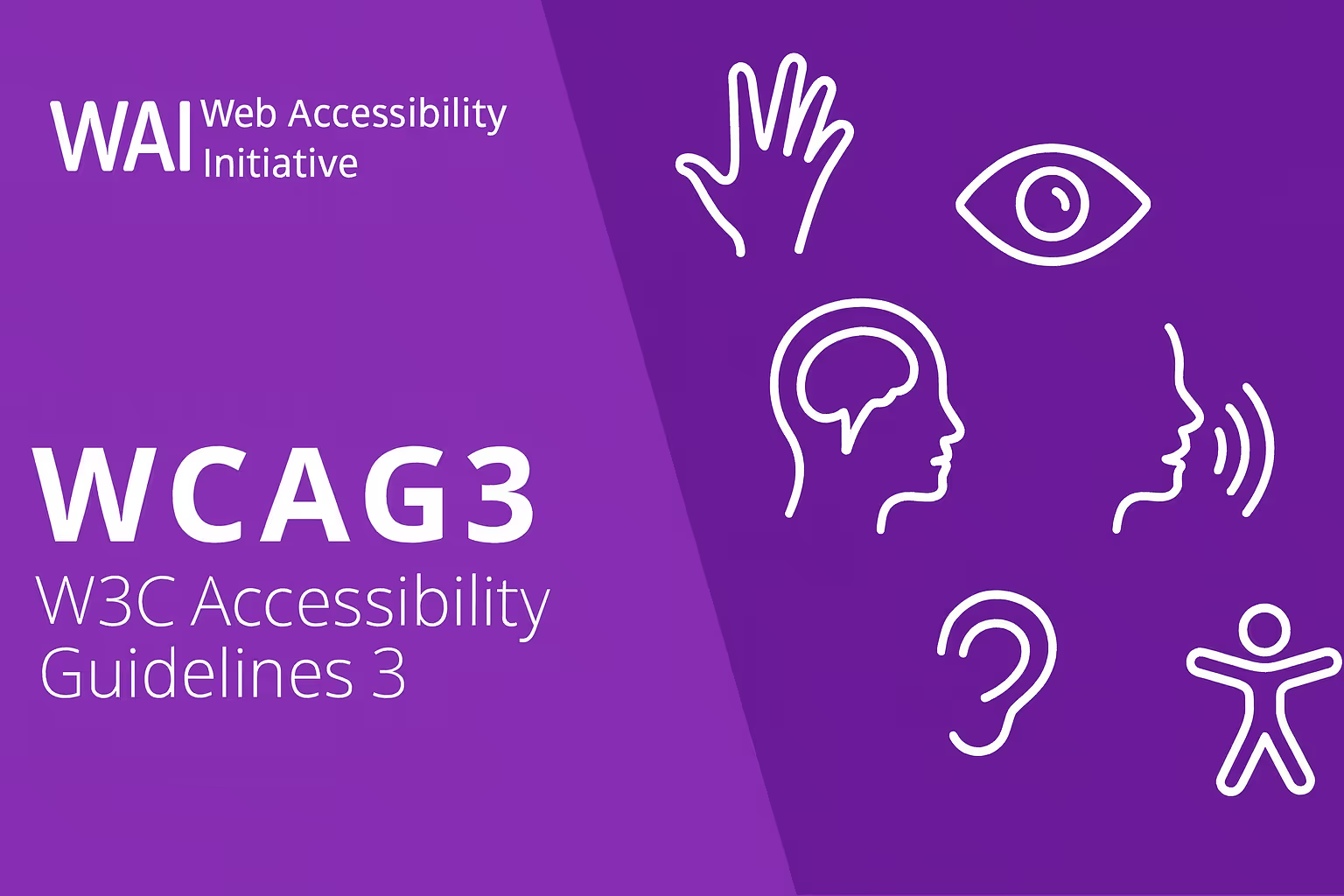
Web accessibility is governed by the Web Content Accessibility Guidelines (WCAG), organized around four principles: content must be Perceivable, Operable, Understandable, and Robust — often abbreviated as POUR. WCAG 2.1 Level AA compliance is the benchmark most organizations and legal frameworks reference.
When you design for users with disabilities, you almost always create a better experience for everyone — larger tap targets, clearer language, better contrast ratios, and logical page structure benefit all users.
The Most Common Accessibility Failures on Nonprofit Sites
Missing image alt text. Every non-decorative image needs descriptive alt text that conveys meaning to screen reader users. A photo of your team at a community event should describe what's happening, not just say "image."
Poor color contrast. Text without sufficient contrast against its background is hard to read for users with low vision or color blindness. WCAG requires a contrast ratio of at least 4.5:1 for normal text.
Non-keyboard-navigable interfaces. Many users navigate the web entirely by keyboard. If your dropdown menus, donation forms, or modal dialogs can't be reached via keyboard alone, you've locked out an entire group of potential supporters.
Videos without captions. Every video you post needs accurate closed captions. Auto-generated captions are a start, but always review and correct them for names and terminology.
Where to Start: A Practical Accessibility Audit
Run your site through WebAIM's WAVE tool or Google Lighthouse — both are free and will surface significant issues quickly. Fix high-impact, low-effort items first: alt text, contrast ratios, and form labels. Then build a roadmap for more complex fixes.
Accessibility as Ongoing Practice
Web accessibility isn't a project with a finish line — it's an ongoing commitment. Every time you add new content, launch a new page, or update your donation platform, accessibility needs to be part of the checklist. Organizations that lead on accessibility demonstrate, in the most concrete way possible, that their commitment to inclusion isn't just a line in their mission statement. It's a practice.
What Your Nonprofit's GA4 Data Is Actually Telling You
Enhancing your Nonprofit's Social Media impact